Step 9
Your layouts are almost finished, and they’re looking awesome!
You can add a final decorative touch to give your layouts that extra pro touch. Create a square text frame and position it below the left-hand quotation on Page 4 of your document. Type ‘D’ (for ‘denim’) and set the Font to Sail, Size 200 pt, Color C=56 M=41 Y=37 K=20. Rotate the text frame slightly to give it a slightly jaunty angle.
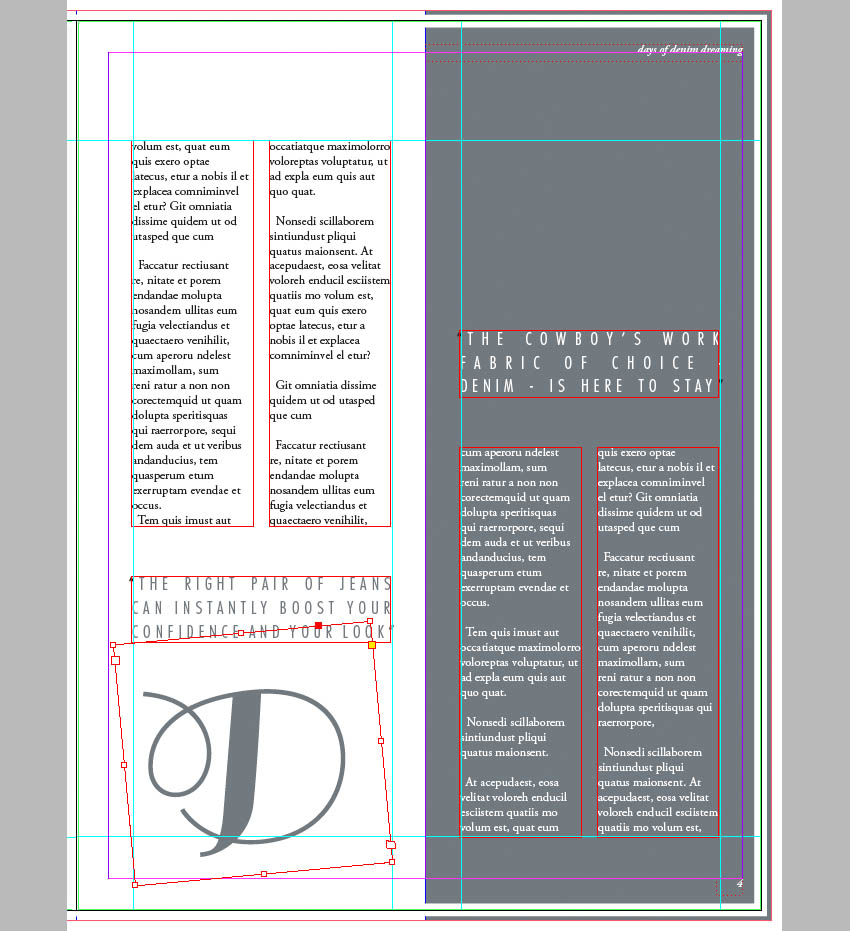
With the text frame selected, go to Object > Effects > Transparency and reduce the Opacity to 30%.
Edit > Copy and Edit > Paste the text frame, adjusting the Font Color to [Paper]. Position this second frame at the top right corner of Page 4.
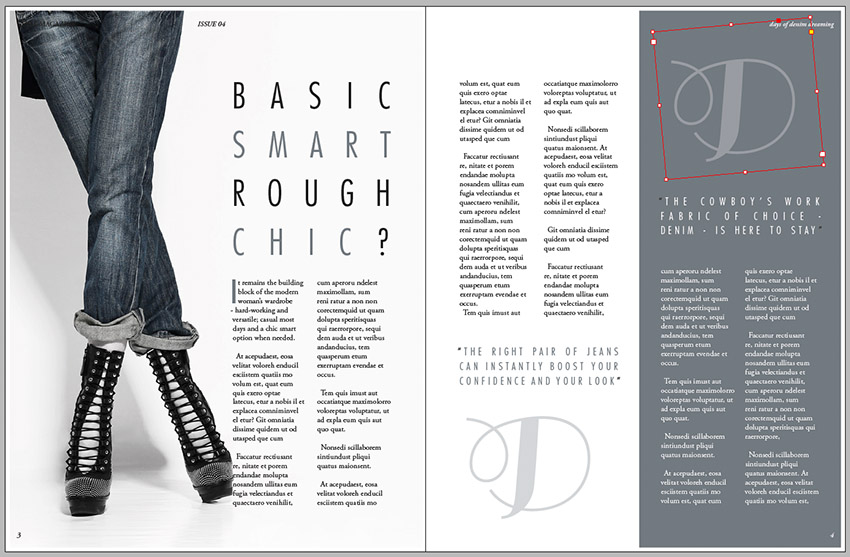
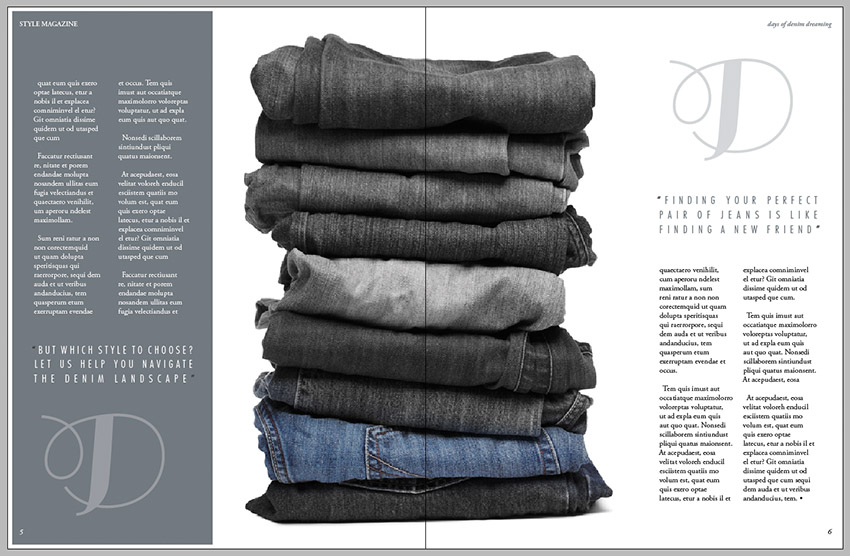
Copy and Paste both of the ‘D’ text frames onto the final spread of the magazine, positioning them as shown.