Step 8
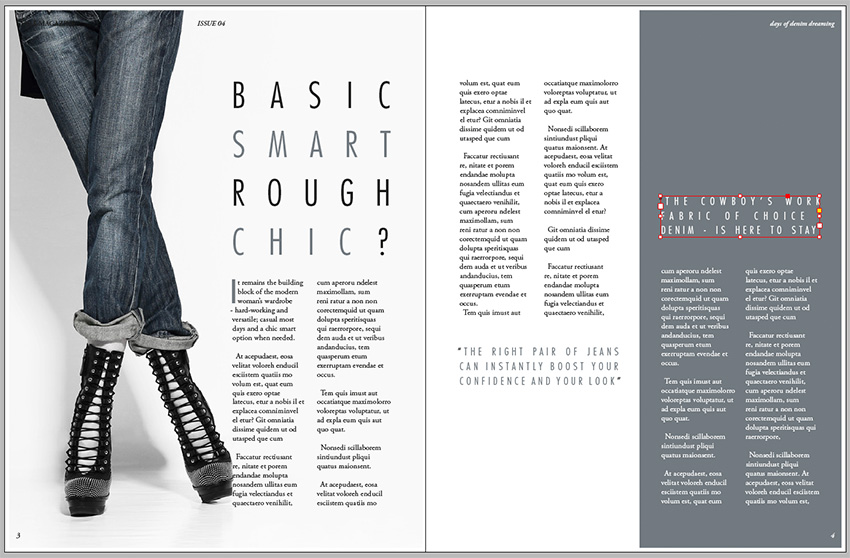
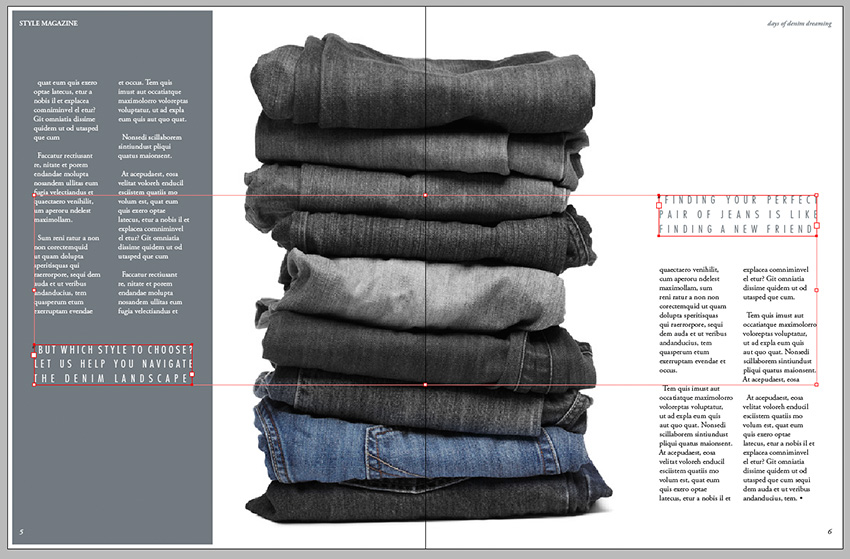
Return to Page 4 of the document, on the second spread. You can add in some pulled-out quotations to give a bit more depth to the design.
Use the Type Tool (T) to create a text frame the width of two columns, just like the sub-heading text frame. Type in a quote and set the Font to Futura Std light Condensed, Size 15 pt, Font Color to C=56 M=41 Y=37 K=20 and Justify All Lines. Set the Tracking to 300.
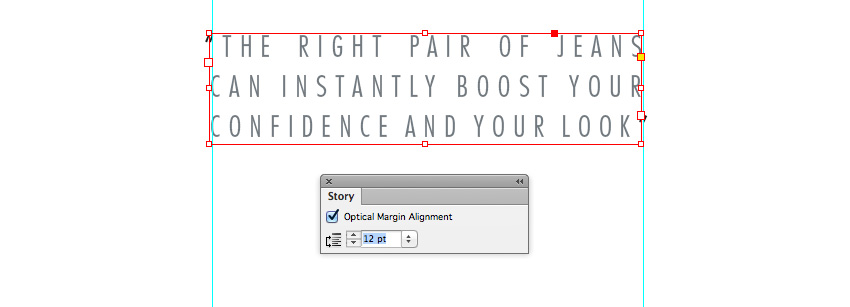
Open the Story panel (Window > Type & Tables > Story) and check the Optical Margin Alignment checkbox to shift the quotation marks to sit outside the text frame, giving a more even appearance to the text.
Position the first quotation text frame below the two left-hand columns on Page 4. Copy and Paste the text frame, adjusting the text content, three more times, placing them on Pages 4, 5 and 6 as shown.