Step 4
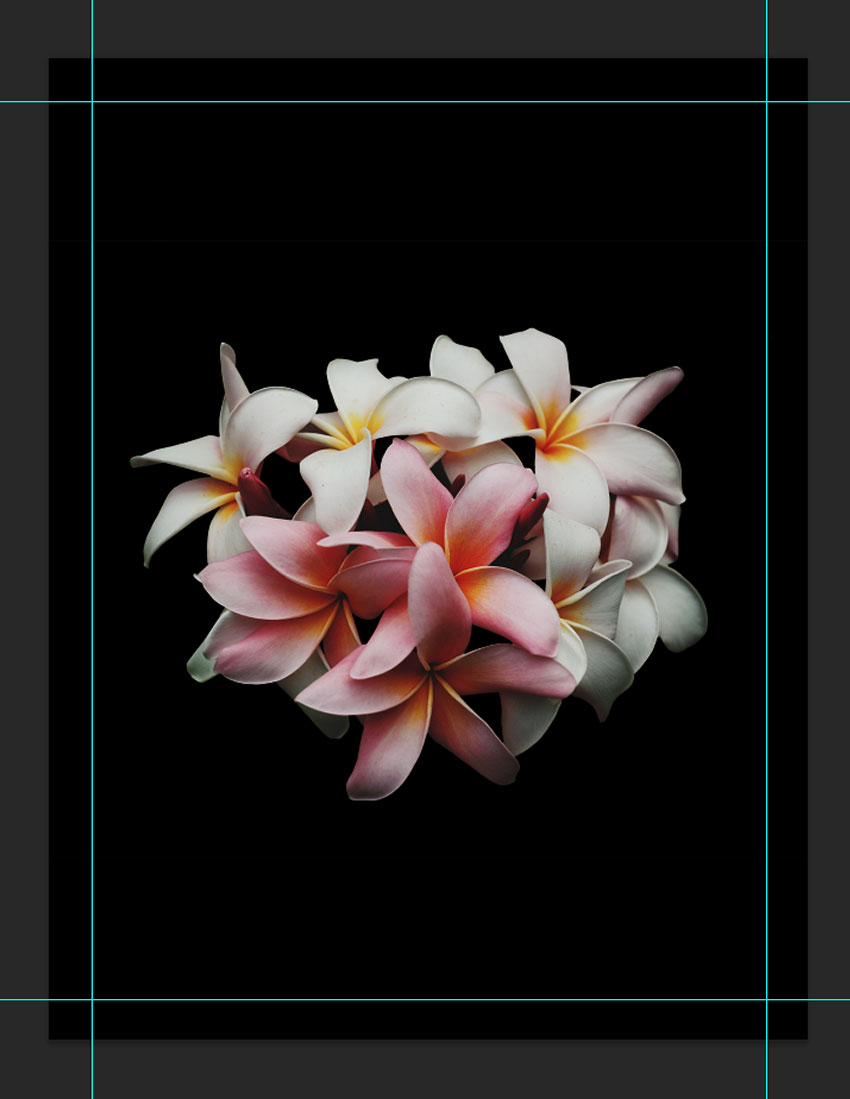
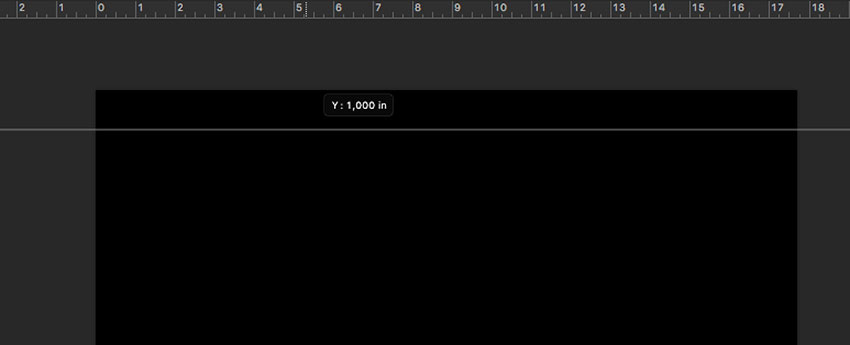
Click on the rulers and drag towards the page to create guidelines. I’ve set mine to 1 inch on each side. Hold Shift to drag the guideline to an even number.
3. How to Duplicate Layers
Step 1
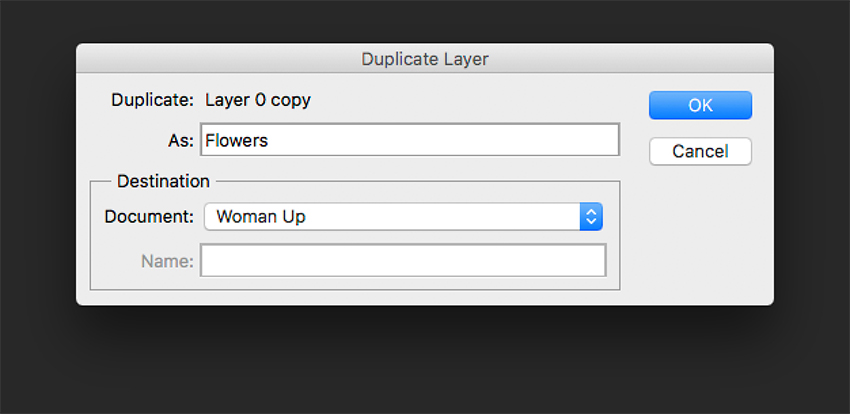
We will duplicate the cleaned-up flower layer into the new file. To do so, select the layer Right Click > Duplicate Layer, under As: change the name to Flowers,and select Document > Woman Up. Click OK to continue.
Step 2
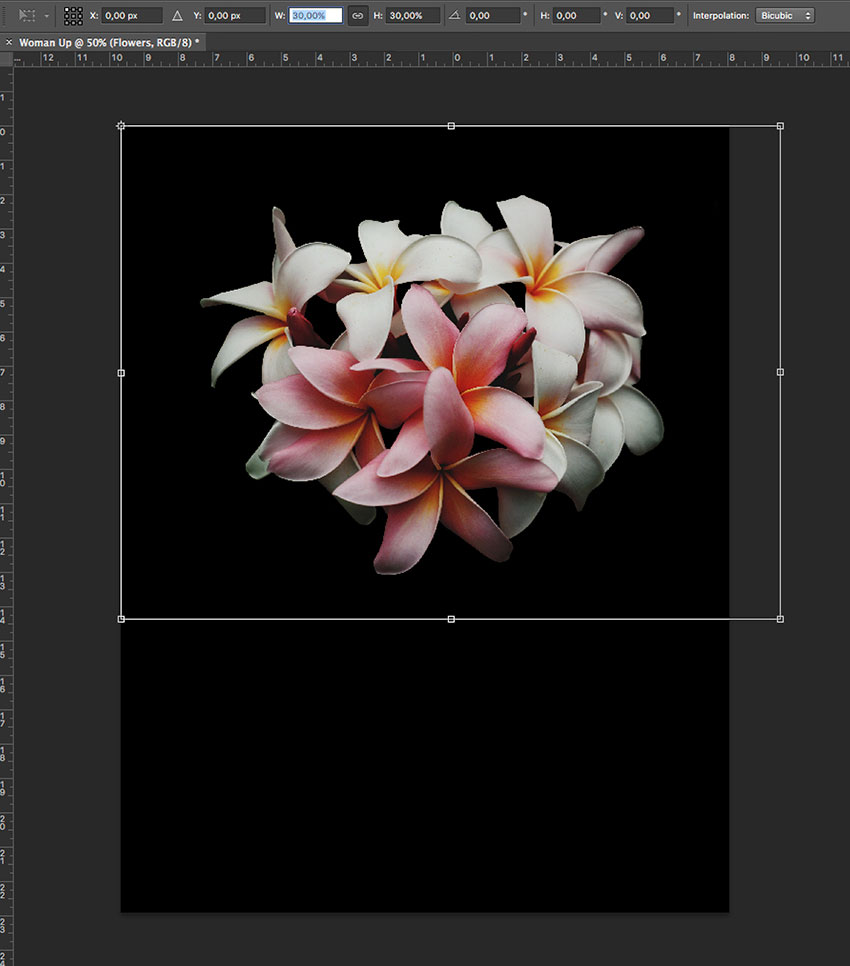
The flowers will appear larger than we need, so let’s resize by pressing Command-T while selecting the flowers layer. Head over to the options bar,on the Reference Point Location select the top left corner, and also select the Maintain Aspect Ratio icon. Change the Width to 30% and press Enter.
Step 3
Let’s centre the image on the poster by selecting the Background layer, pressing Shift, and clicking on the flowers layer. Head over to the options barand click on Align Vertical Centre. Then visually align the flowers layer to the poster.