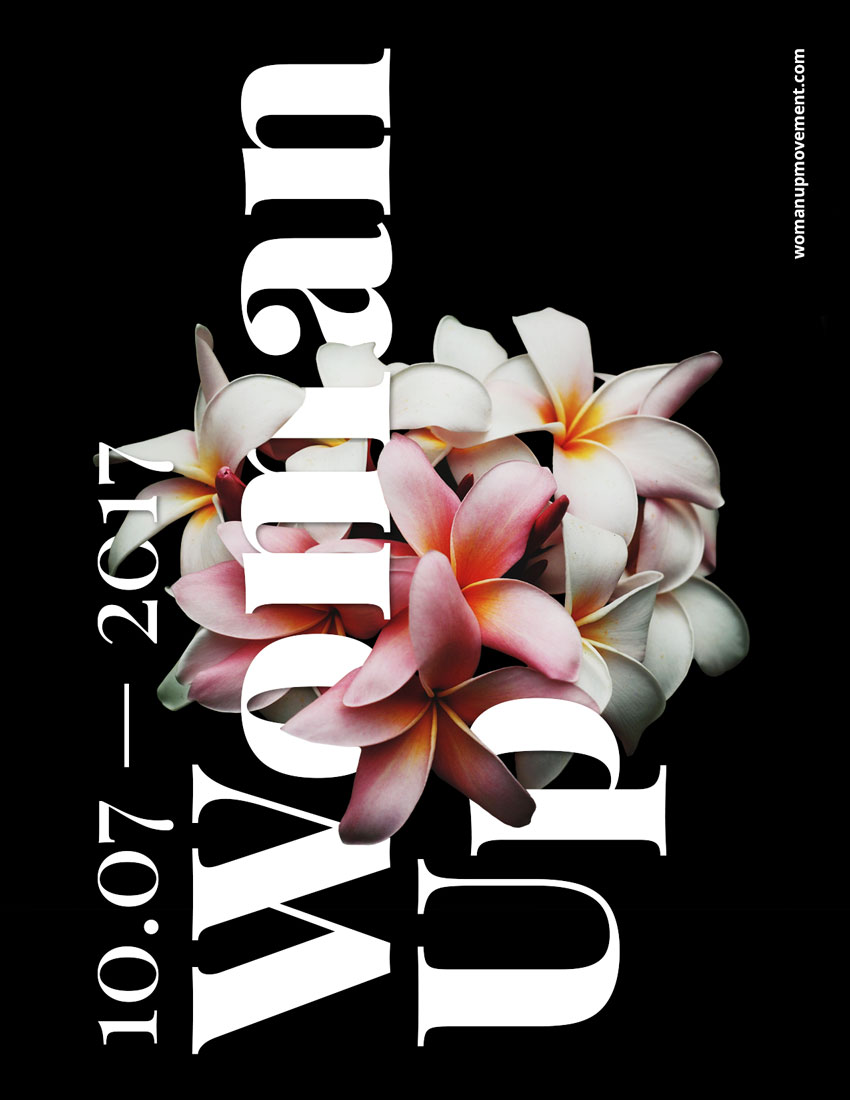
For this tutorial we will design an empowering poster using typography interwoven into flowers using the Layer Mask tool in Adobe Photoshop.
What Will You Need
You will also need to download and install the following font file and image:
- Playfair Display and Open Sans by Google Fonts
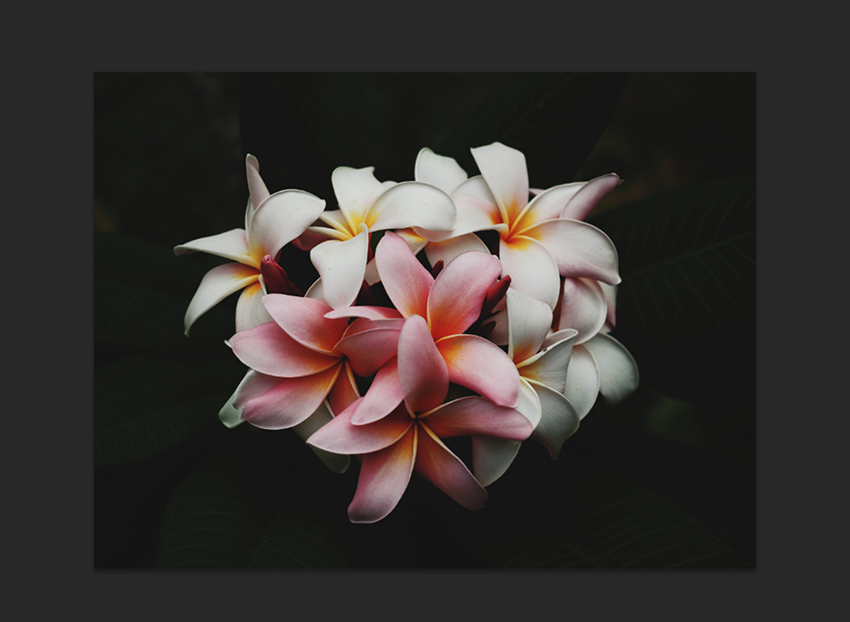
- Flower photo by Charlie Harutaka via Unsplash
Install the font on your system and you are ready to get started!
1. How to Prepare the Flower Image
Step 1
Open the flower photo in Photoshop.
Step 2
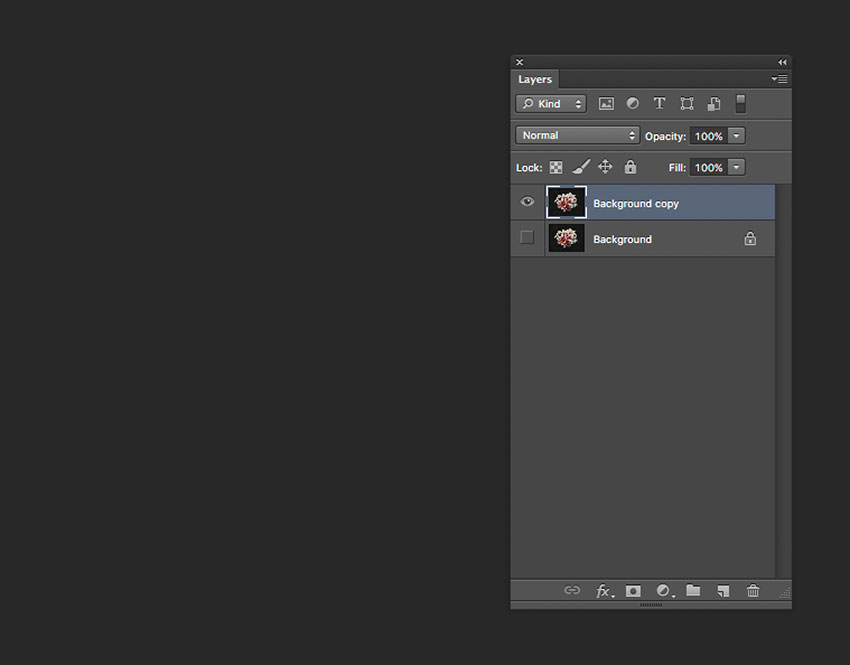
We need to remove the background before using the flowers on the poster. To do this, on the Layers panel, Duplicate the Background layer by pressing Command-J and Hide the visibility of the original Background layer.