2. How to Set Up a New Document and Create Guides
Step 1
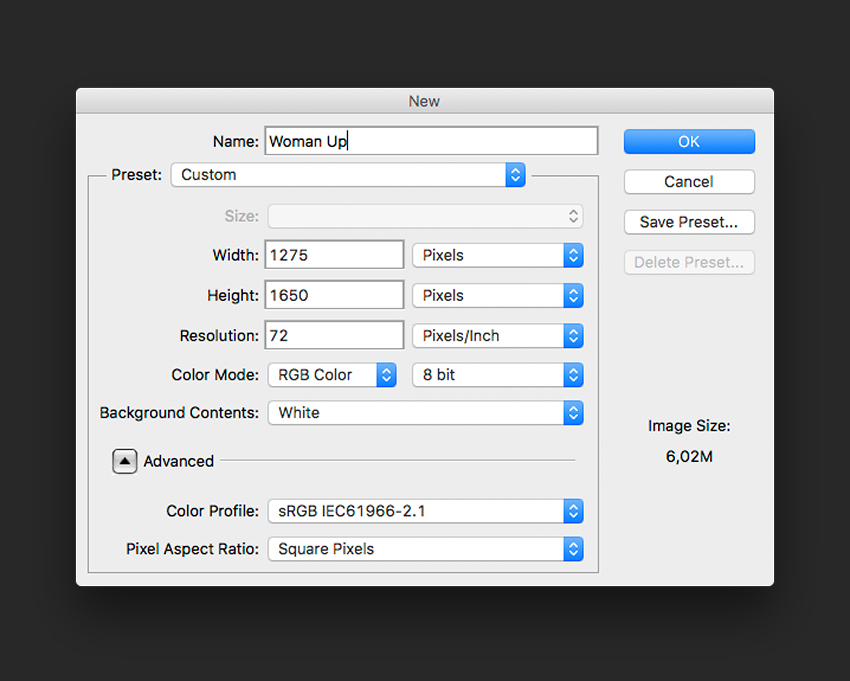
In Photoshop, go to File > New. Name the document Woman Up and set the Width to 1275 px and Height to 1650 px. I am using this composition as an online pamphlet, so I will be using 72 dpi. Click OK to create the document.
Step 2
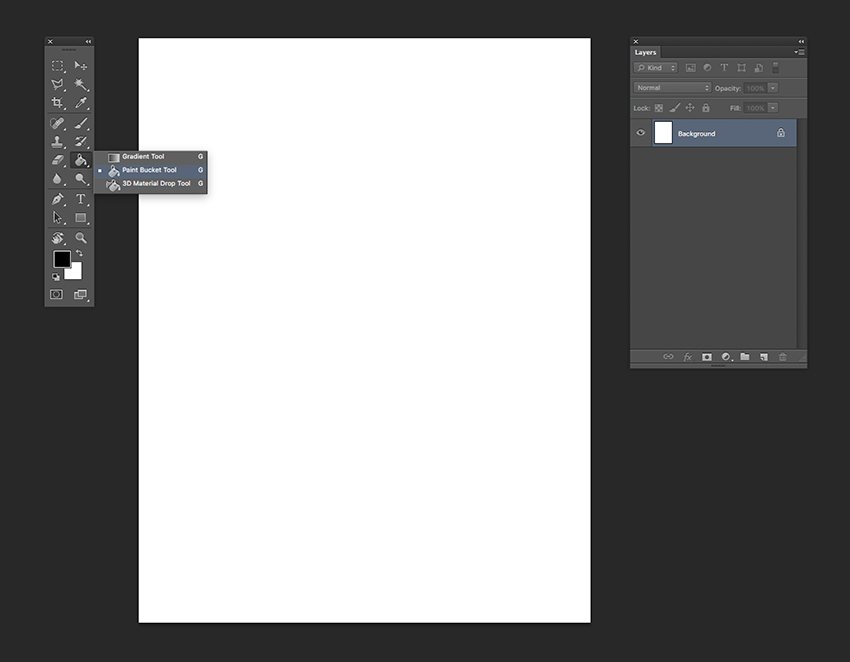
Select the Background Layer and paint the layer using the Paint Bucket Tool (G) and black as the foreground colour.
Step 3
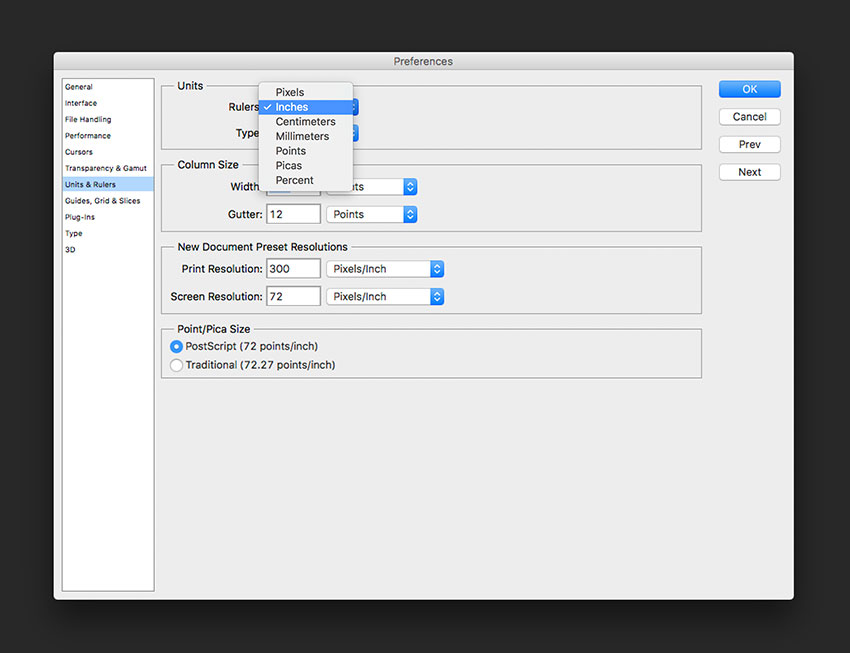
Activate the rulers by pressing Command-R. I am using inches—you can change this by going to Photoshop > Preferences > Units and Rulers.