Step 11
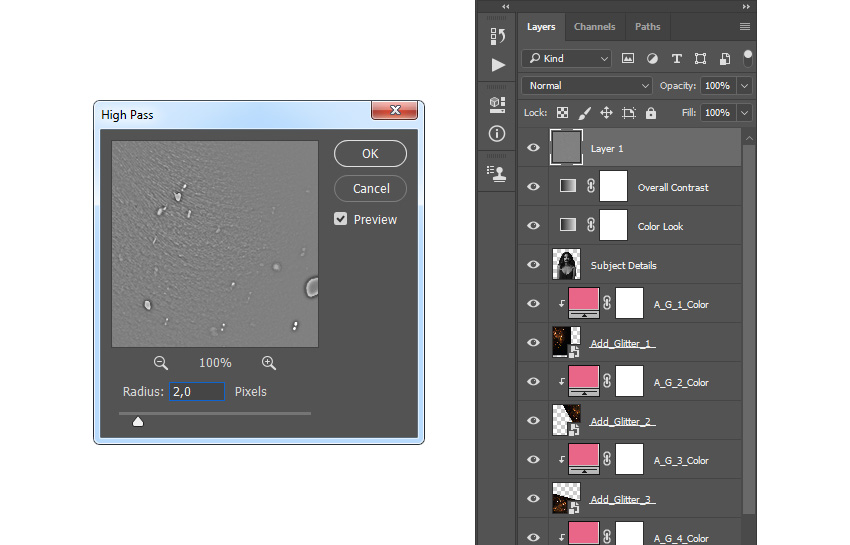
Select the Overall Contrast layer, press Control-Alt-Shift-E on your keyboard to make a screenshot, and then press Control-Shift-U to desaturate this layer. Then, go to Filter > Other > High Pass and set the Radius to 2 px.
Step 12
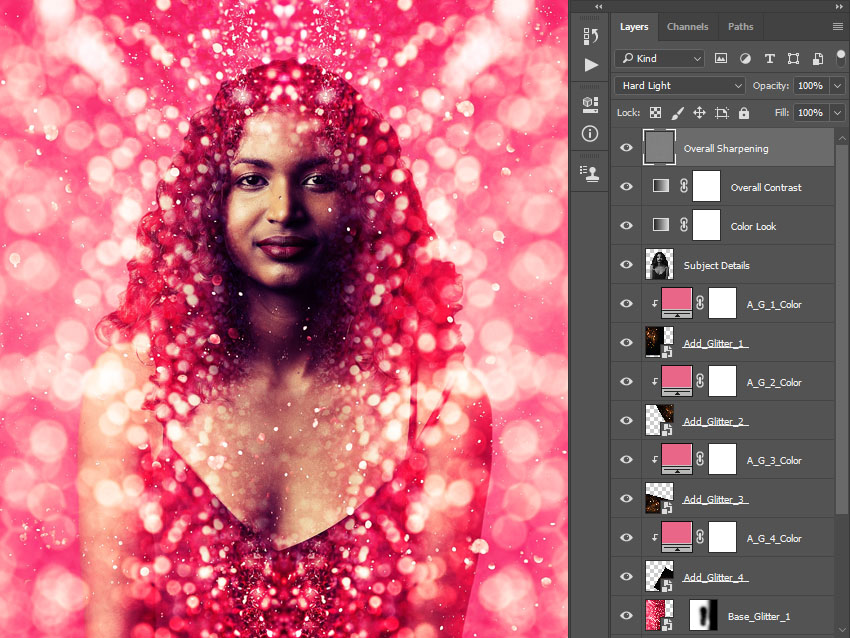
Now change the Blending Mode of this layer to Hard Light and name it Overall Sharpening.
You Made It!
Congratulations, you have succeeded! You have learned how to create a glitter effect Photoshop action to create amazing effects for pictures. Here is our final result:

Marko Kožokar Jul 27, 2020