Source: The best way to learn UX/UI design. (n.d.). Retrieved from https://app.uxcel.com/glossary/navigation
Navigation includes all the systems and features that allow users to move through and explore the various sections, pages, and content within a digital interface. It involves arranging and presenting menus, links, buttons, or other interactive elements that enable users to navigate and find information or perform actions.
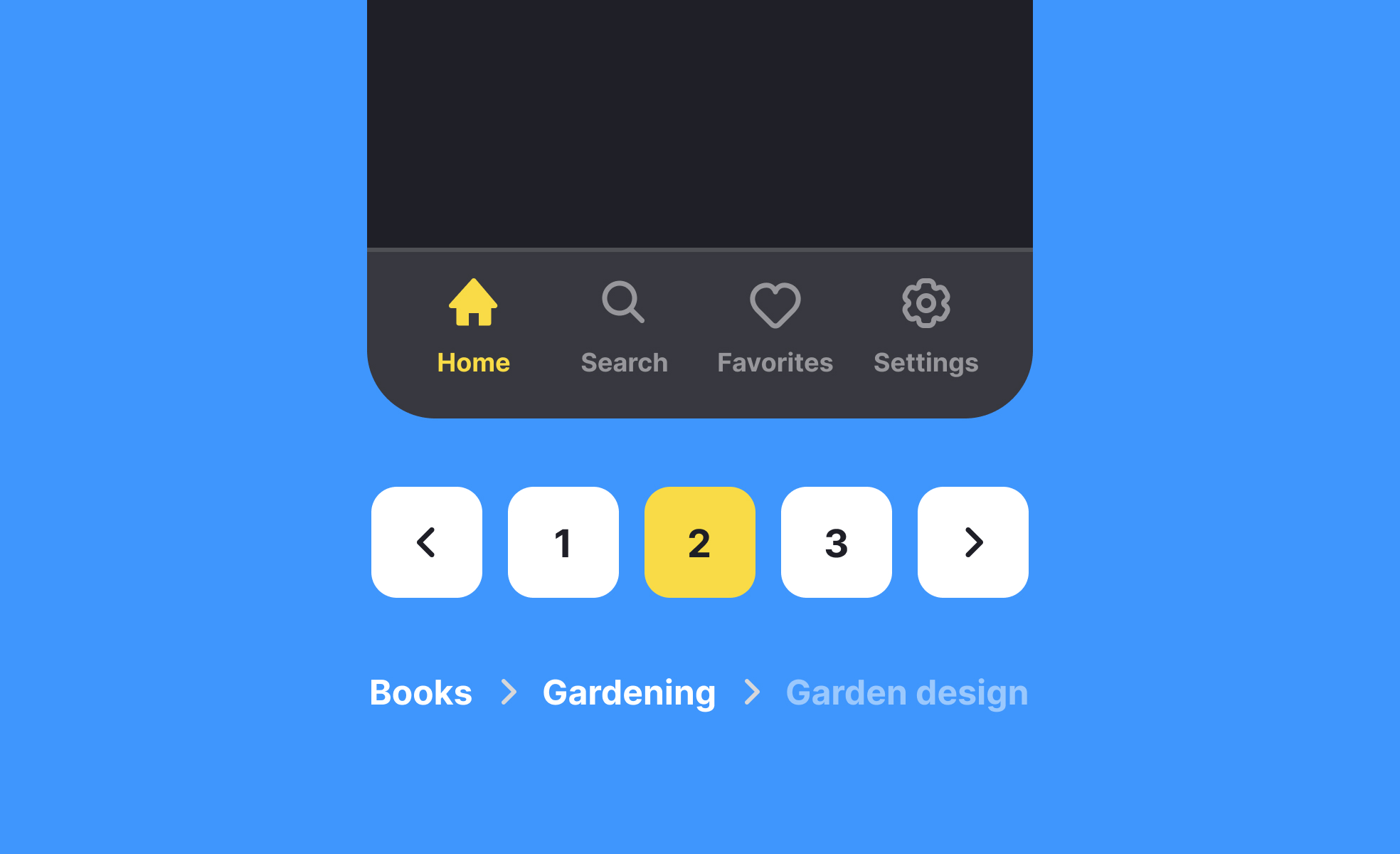
- What is navigation?In user interface design, navigation refers to the system or structure that allows users to move between different sections, pages, or screens within an application, website, or digital interface. It allows users to explore and access content or functionality, helping them find what they are looking for and navigate through the interface seamlessly.
- What are the different types of navigation commonly used in UI design?There are several types of navigation commonly used in UI design, including:
- Global navigation: This type of navigation is typically placed prominently and consistently across all pages or screens. It provides access to high-level sections or categories of the interface and enables users to navigate to different areas of the application or website.
- Local navigation: Local navigation refers to navigation elements specific to a particular section or page. It allows users to navigate within a specific context, such as a submenu or a set of related pages.
- Breadcrumbs: Breadcrumbs provide users with a trail of links that represent their current location within the interface’s hierarchical structure. They help users understand their position and provide a way to navigate back to higher-level pages.
- Tabbed navigation: Tabbed navigation organizes content or features into separate tabs, typically displayed horizontally or vertically. It allows users to switch between different sections or views within the same screen or page.
- Hamburger menu: The hamburger menu is a common navigation pattern that consists of a horizontal or vertical stack of lines, resembling a hamburger icon. When clicked or tapped, it reveals a hidden menu containing navigation options or additional functionality.
- What are some best practices for designing effective navigation? When designing navigation, consider the following best practices:
- Keep it simple and intuitive: Design navigation that is easy to understand and use. Use clear labels, recognizable icons, and logical grouping to help users quickly find what they need.
- Ensure visibility and accessibility: Make sure navigation elements are easily visible and accessible on different devices and screen sizes. Use appropriate contrast, sizing, and placement to ensure that navigation is easily discoverable.
- Provide feedback and context: Use visual cues, highlighting, or active states to provide feedback and indicate the user’s current location within the navigation system. This helps users understand their position and provides a sense of context within the overall interface.
- Test and iterate: Conduct user testing and gather feedback to evaluate the effectiveness of the navigation. Iterate and make improvements based on user insights to optimize the navigation experience for your target audience.