February 5, 2020 by admin
How to Design a Stylish Real Estate Flyer Template in Adobe InDesign
5. Add Branding and Typography to the Flyer
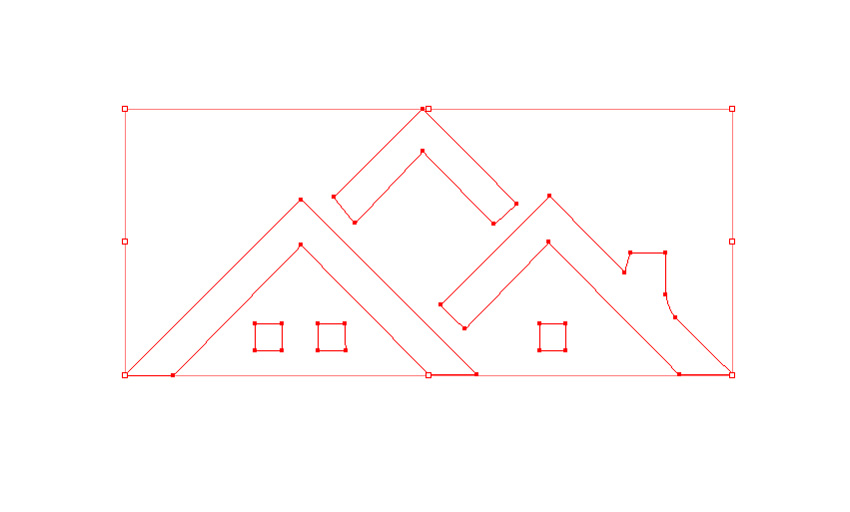
You might already have a logo for your real estate company, but if not, this minimal houses logo would make a really versatile design for any business in the real estate industry. This is the one I’ve used here for this design.
Step 1
Open your logo up in Adobe Illustrator or a different vector-editing program, and adjust the Fill of the design to White. Then Edit > Copy the vector.
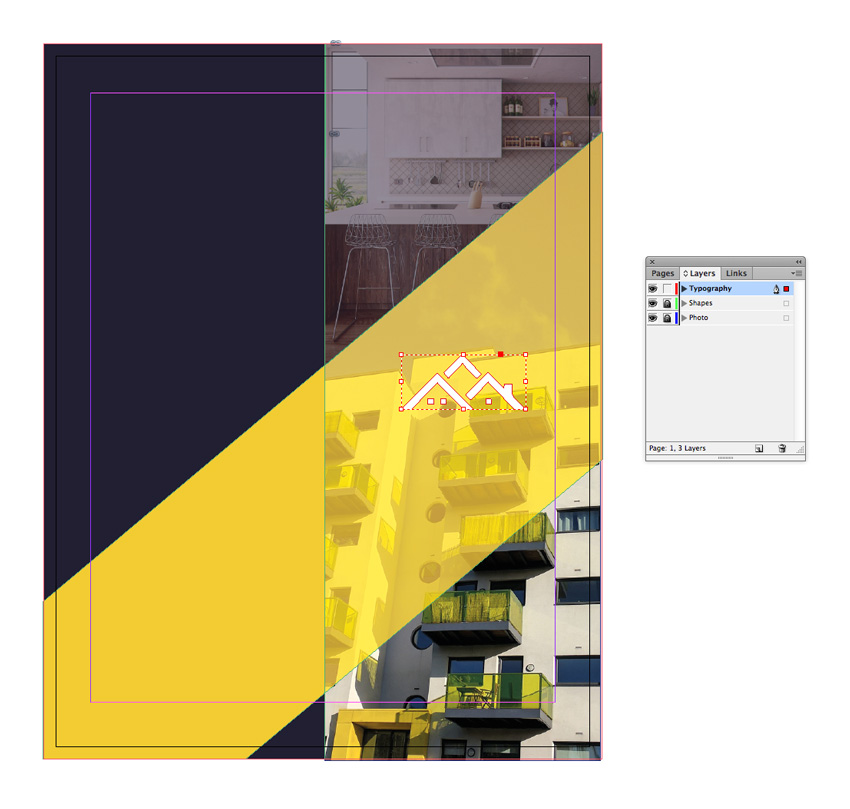
Return to your InDesign document and lock the Photo layer. Unlock the top layer, Typography. Edit > Paste the vector logo directly onto your document.
Position the logo over the top-right half of the yellow shape.
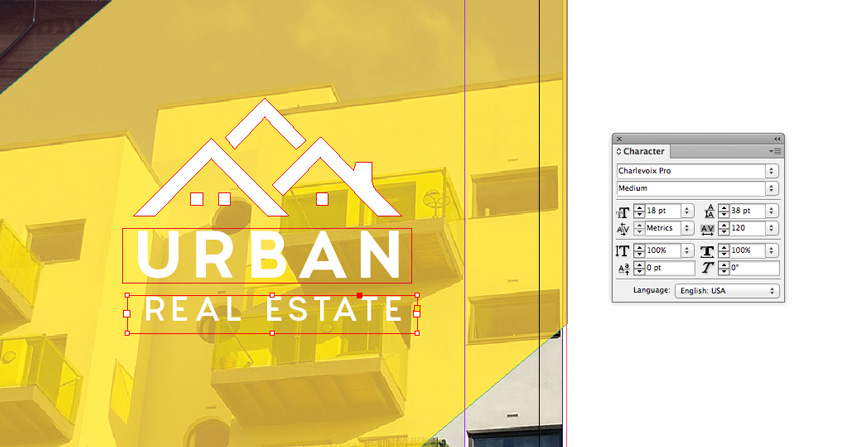
I’ve added text below the logo design to complete the brand, setting the Font to Charlevoix Pro, and adjusting the Font Color to [Paper] from the Swatches panel.