
February 8, 2023 by admin
How to Create a Botanical Wedding Invite in InDesign
Step 2
Click on Marks and Bleeds in the window’s left-hand menu.
Some print services will prefer you to either include printer’s marks and a bleed, or only to include the bleed, so make sure to check your printer’s preferences beforehand.
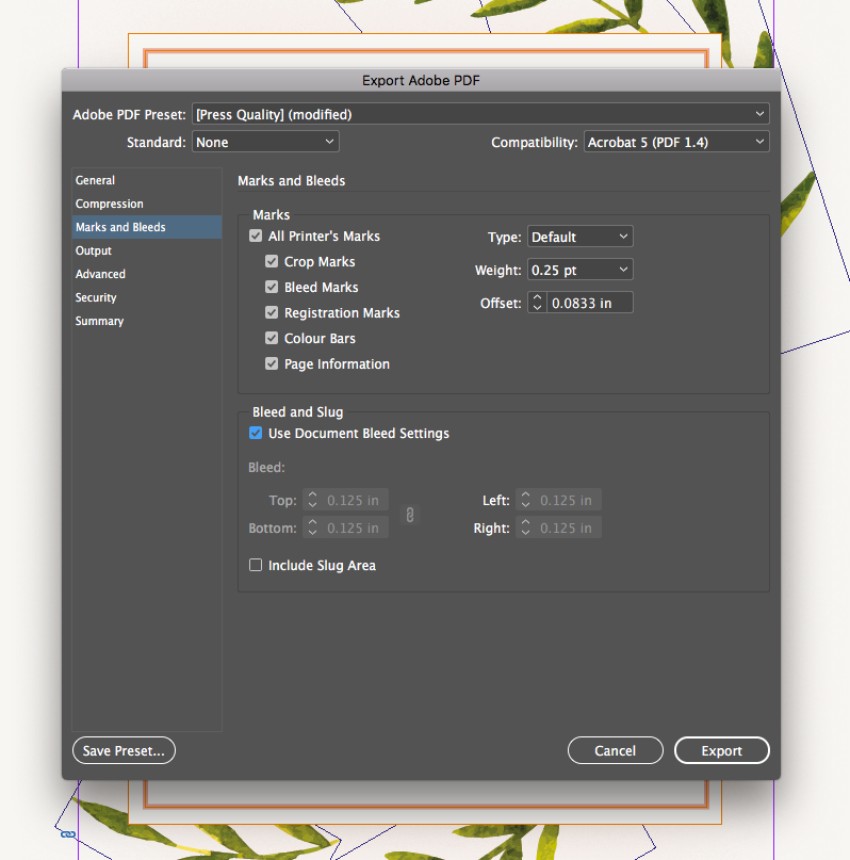
Here, I’ve checked both All Printer’s Marks and Use Document Bleed Settings
Click Export to create your print-ready file.
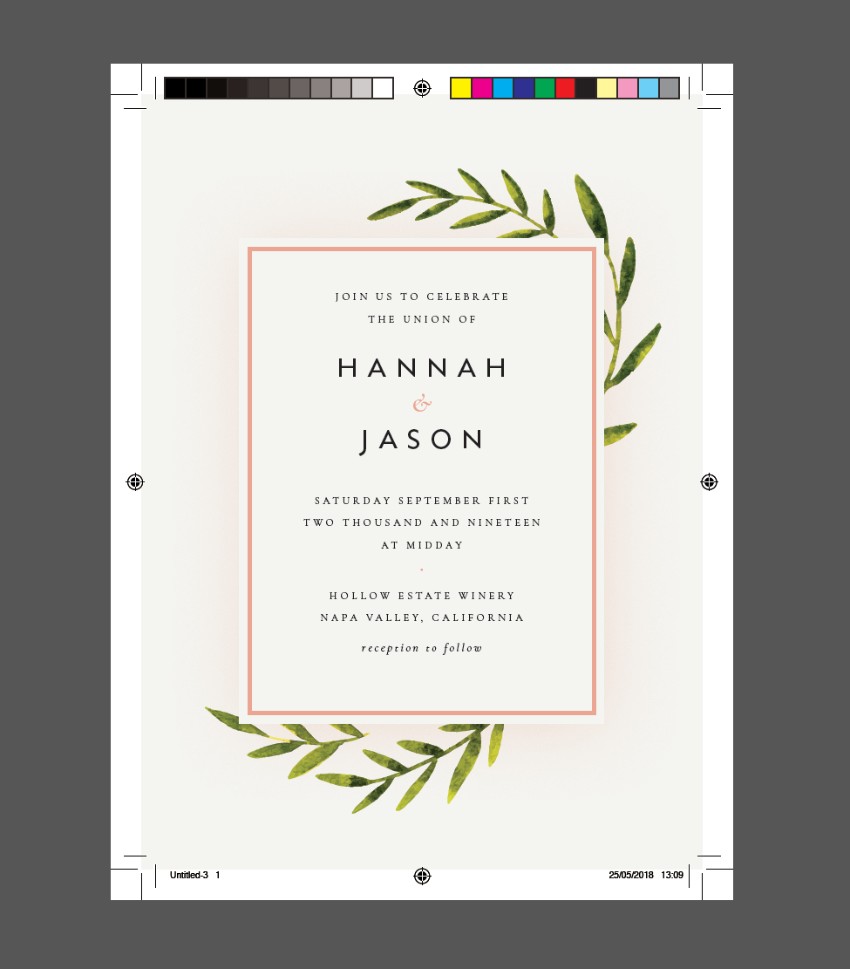
And you’re done! Great job! You can send this PDF file straight off for printing.