January 14, 2023 by admin
Creating Beautiful Drop Caps in InDesign
However, you can also jazz up your drop cap with color by switching the Fill Color of the letter shape in the Swatches panel. This is a great way of making your drop cap the focal point of your layout.
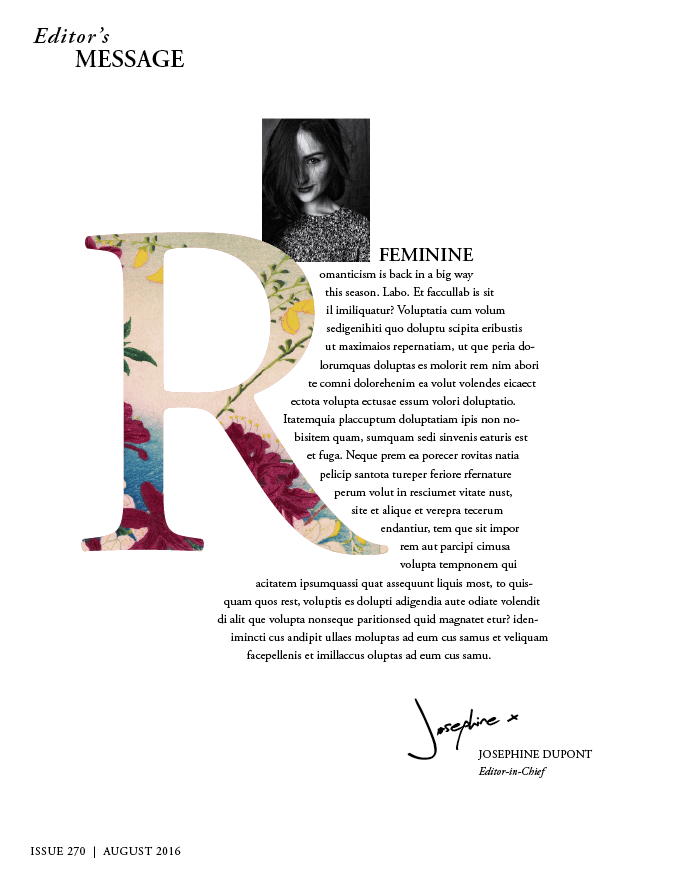
Another creative technique is to fill your drop cap with an image, making it into an even more interesting feature of your design.
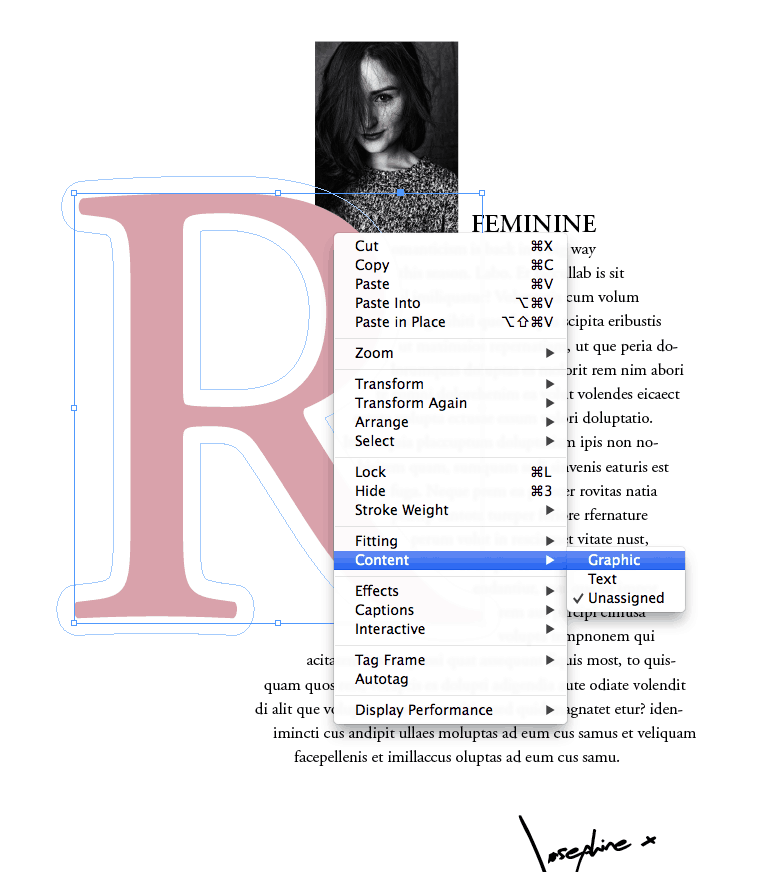
This is really quick and simple to do. Simply Right-Click (Windows) or Ctrl-Click (Mac) on the letter shape, and choose Content > Graphic. InDesign will now treat the letter as an image frame.
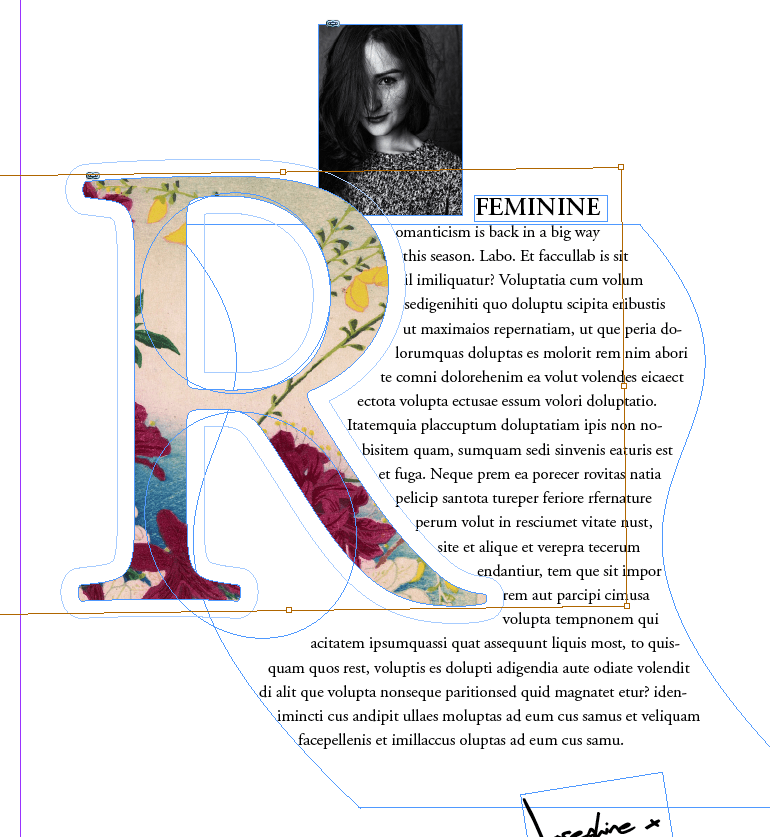
Then go to File > Place and choose an image. Patterns and landscapes look lovely, but close-up portraits of models and still-life shots can also look really impactful. Once you’ve chosen your image, click Open.